 MAKIN
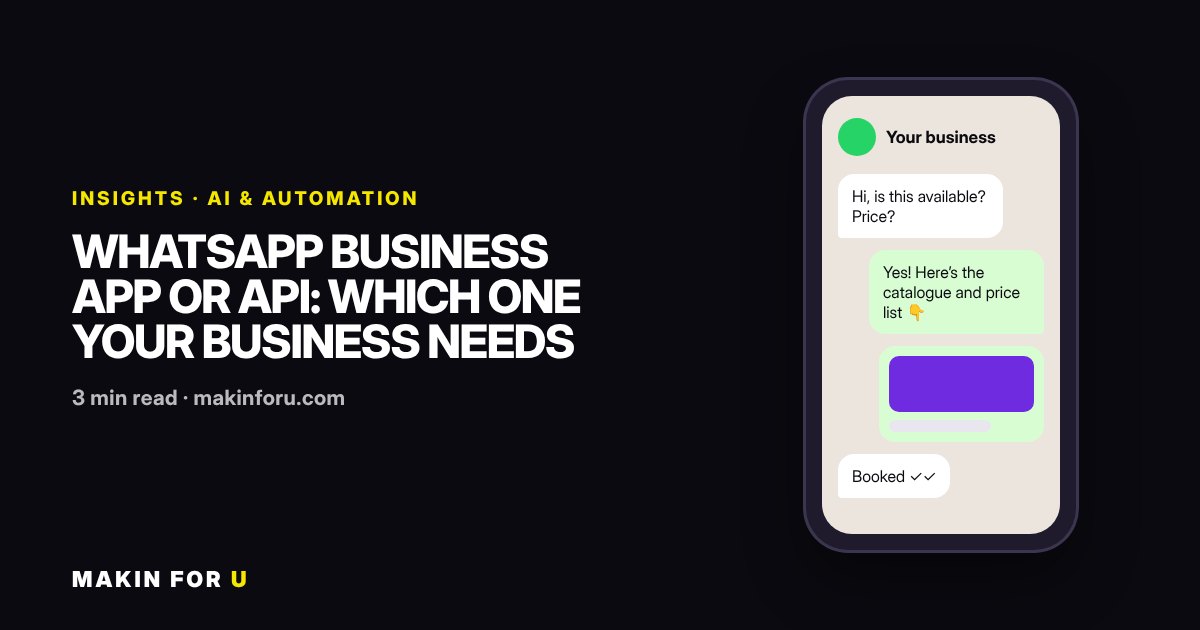
Two different products with one name.
The WhatsApp Business app is a free phone app for a business owner who answers customers personally. The WhatsApp Business Platform, usually called the API, has no app of its own: it connects your number to software such as a shared inbox, a CRM or a chatbot. Choosing between them is a question of who answers, how many chats arrive and what has to happen after each one.
The app is right while one person can keep up.
If the owner or one assistant reads every chat, replies within the hour and the conversation ends there, the app is enough. Quick replies, labels, a catalogue and an away message cover most of what a small shop or clinic needs, at no cost.
The API is right when chats become a workflow.
Once several people share the number, enquiries need routing, orders need status lookups or every lead must land in a CRM, the app turns into a bottleneck. The API lets software read and send messages, so replies can be automated, assigned and logged.
Price the API by conversation, not by the setup fee.
The API itself has per-message charges set by Meta, plus whatever your provider or inbox software costs. Work out a month of real messages before choosing; our WhatsApp pricing guide and calculator do that sum with Meta’s published rates.
Side by side: what each one can do
The differences that usually decide it:
- Who replies: the app is used by people on a phone and linked devices; the API is used through software, by a team or by automation
- Automation: the app has greeting, away and quick replies; the API can run full bots, order lookups and follow-ups
- Integration: the app stands alone; the API can write every lead into your CRM or Google Sheet
- Messages you start: on the API, a message sent outside the customer service window uses a template Meta has approved
- Cost: the app is free; the API charges per message and needs a provider or your own setup
Signs you have outgrown the app
The clearest sign is a missed lead: an enquiry answered the next day, or not at all, because the phone was busy. Others are staff passing one phone around, nobody knowing who promised what to a customer, and enquiries that never make it into your sales list. If any of these happen every week, the cost of the API is usually smaller than the cost of the missed work.
How a move to the API usually goes
Decide which number to use and register it with Meta, then pick the inbox or CRM your team will reply from. Write the first message templates (order updates, appointment reminders, a first reply to a new lead) and send them for approval. Then add automation one step at a time: an instant first reply, routing to the right person, and a hand-off to a human whenever the bot is unsure.
Keep the first version small. A bot that answers three common questions well and hands everything else to a person earns more trust than one that tries to answer everything.
What it costs with us
Our WhatsApp & Support Automation package starts at ₹12,000 for the API setup, intent routing with human hand-off, lead capture into your CRM and template management. If your leads come from Facebook and Instagram ads, the Meta Lead Ads to WhatsApp setup starts at ₹5,000. For Meta’s own message charges, see the WhatsApp API pricing guide or the cost calculator.